 |
Reviving clubbing scene back to the days before covid-19
If you are the business owner of nightlife and feel you need more crowd for your nightlife business, this is where you can start exploring at a low cost improvement onwards.
We are starting this basic setup or configurations of disco light ambience to improve the clubbing scene here. We are promote this to the following nightlife business
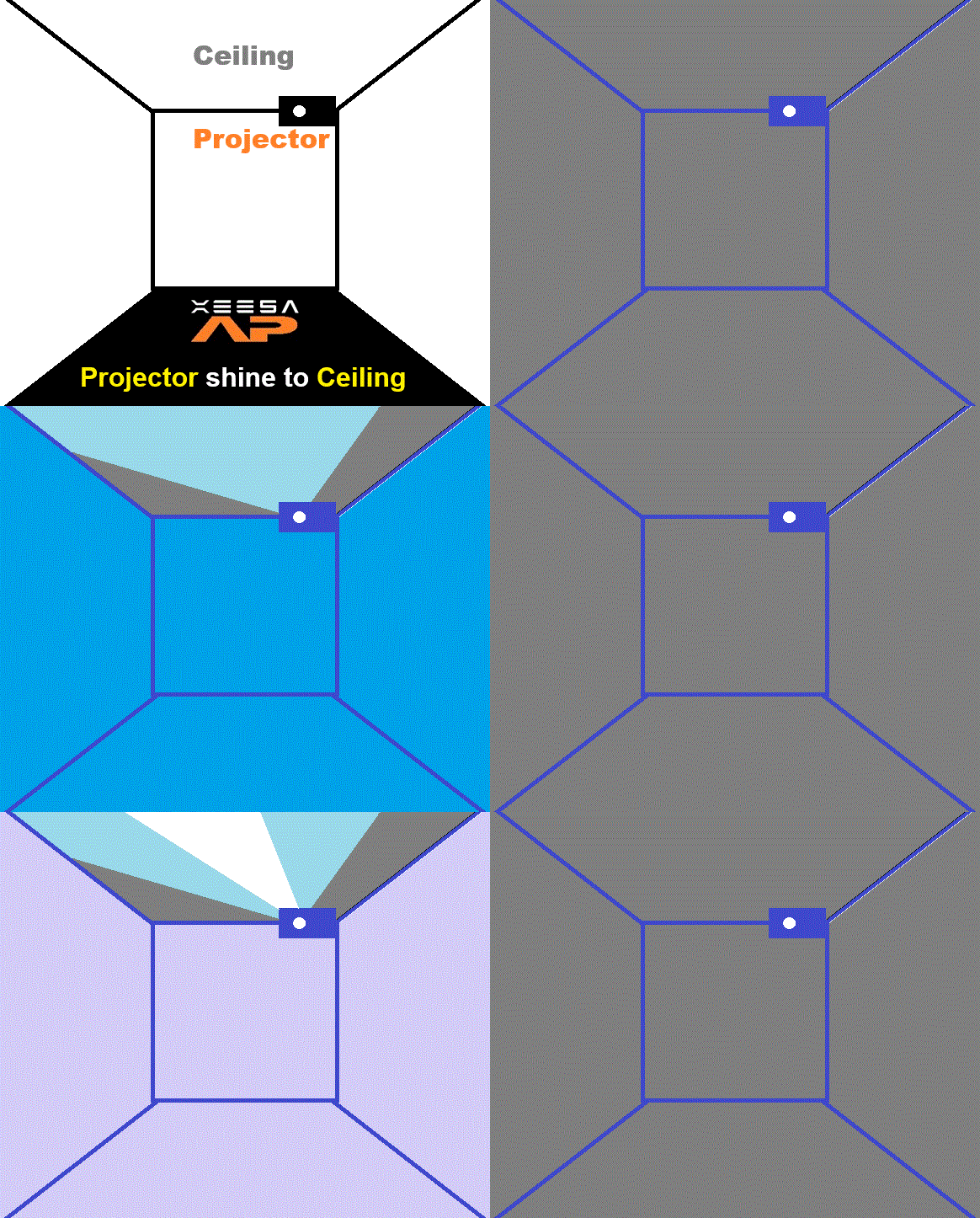
Setup Method(Projector shine to Ceiling)

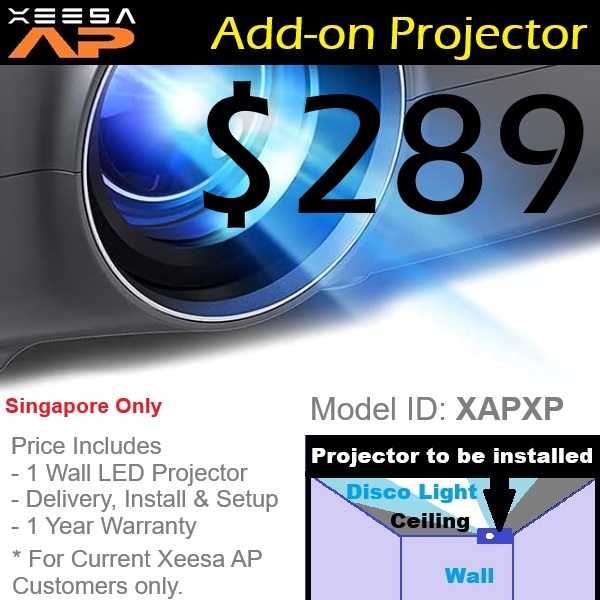
For starters or beginning, it is preferred to use this method due to better coverage, not taking any space in the pub/club/KTV room. Usually we will mount the projector on the wall or shelf above your counter. Then we will link the HDMI to the laptop/PC which you will be using Xeesa AP software.
| Setup Package | Pre-requisites What you need to have currently |
Items and labour provided | Scenario |
 |
|
Items Labour |
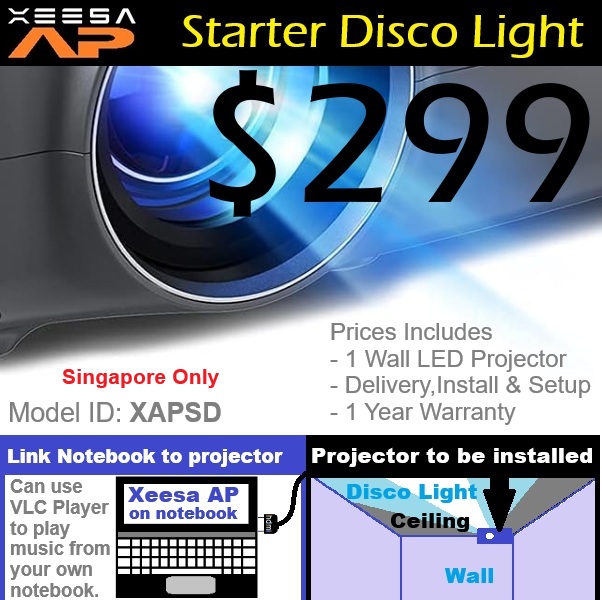
If you just use a laptop and play music from there, just connect the HDMI to the projector only. We mount the projector and link up for you. |
 |
|
Items Labour |
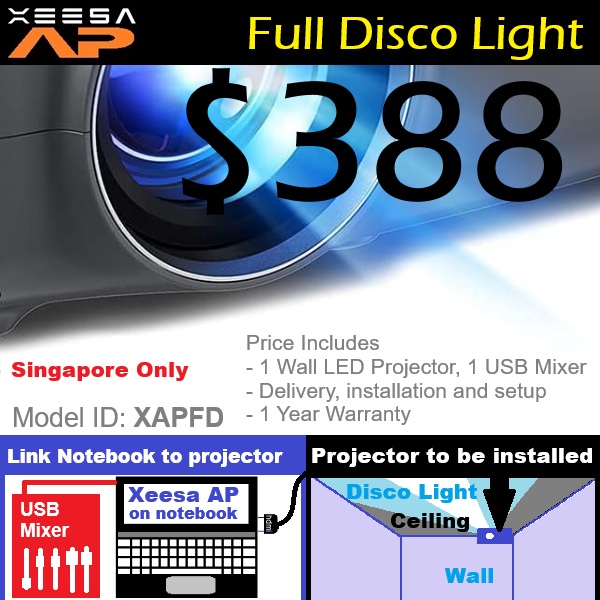
If you have other audio devices(eg; roundtable, mixer, laptop) just connect audio output to the USB Mixer to the laptop and link the HDMI to the projector only. We mount the projector and link up for you. |
 |
|
Items Labour |
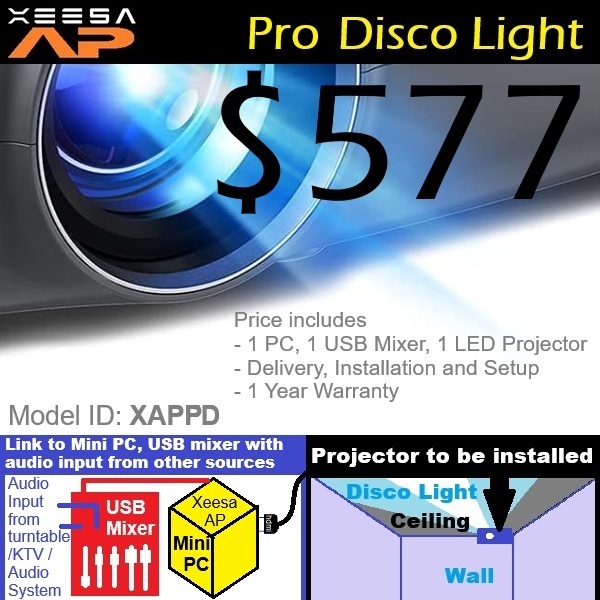
If you have other audio devices(eg; roundtable, mixer, laptop) just connect audio output to the USB Mixer to the mini PC and link the HDMI to the projector only. We mount the projector and link up for you. |
 |
|
Items Labour |
If you need additional projector for another dancefloor or ceiling. We mount the projector and link up for you. |
Contact Us to install
You may contact us via whatsapp if you have enquiry here.

You may visit our showroom TestThenBuy.com in Singapore(South East Asia) to test out on the showcase (9pm-10pm Daily).
You can help yourself on the number pad on the pillar for the modes and functions.The showcase version is Xeesa AP Pro Trial.
Operating days for the 2 types of disco light projectors for testing
| Day of Week | Ceiling Projector (Small) |
Dancefloor Projector (Large short throw) |
Scenario |
| Monday | Yes | No | KTV Rooms/Cafes |
| Tuesday | No | Yes | Clubbing/Concerts Dance Floor |
| Wednesday | Yes | Yes | Clubbing/Concerts Dance Floor |
| Thursday | Yes | No | KTV Rooms/Cafes |
| Friday | Yes | Yes | Clubbing/Concerts Dance Floor |
| Saturday | Yes | Yes | Clubbing/Concerts Dance Floor |
| Sunday | Yes | No | KTV Rooms/Cafes |
Showroom Location: 11 Sin Ming Rd #B3-09 Unit 7, Thomson V Two.
Map: View Google Map
Testing hours: 9pm - 10pm Daily including Public Holidays.
How to get there?
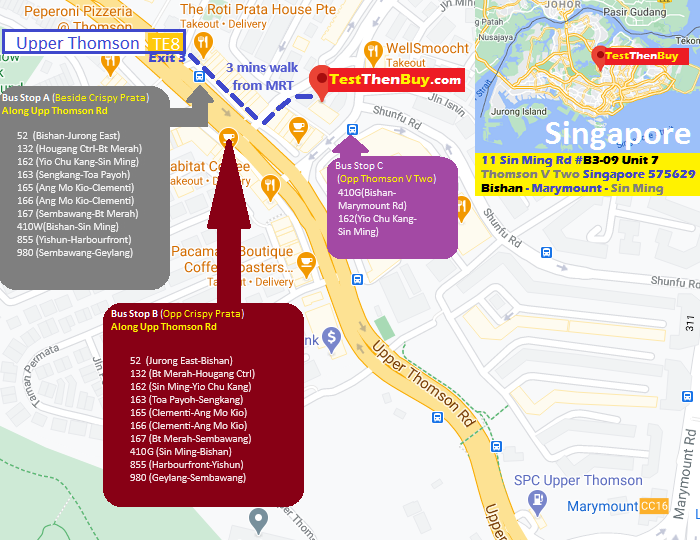
Bus : 52, 130, 162, 163, 165, 166, 167, 410, 855, 980
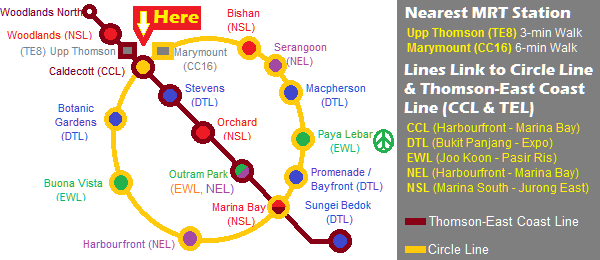
MRT Station : Upper Thomson MRT Stn(Exit 3 @ Jln Keli. Walk 2 mins along Upp Thomson Rd Shophouses[Passing Crispy Prata Shop]. Cross Jalan Todak and turn left, you will see Thomson V Two Condo & Shops)
Drive :
From West : PIE-> Lornie Rd -> Upp Thomson Rd -> Sin Ming Rd
From East : Bartley Rd -> Bradell Rd -> Upp Thomson Rd -> Sin Ming Rd
From South East : PIE -> Thomson Rd -> Upp Thomson Rd -> Sin Ming Rd
From South : CTE -> Braddell Rd -> Upp Thomson Rd -> Sin Ming Rd
From North : SLE -> Upp Thomson Rd -> Sin Ming Rd
From NorthEast : CTE -> Braddell Rd -> Upp Thomson Rd -> Sin Ming Rd
Basement Parking : Thomson V2 @ $2.00 per hour from 6am-6pm, $4.50 per entry from 6pm-12mn, $10 per entry from 12mn-6am Daily (Max Height: 2.1M). Grace Period Free Parking for 10 mins. Alternative parking will be at HDB or Private Estate Parking Opposite Thomson V Two.
For Payment via PayNow

Other Services
